Posted: October 4, 2025
How to Create Your Mirabito MyAccount Portal & Order Fuel Online
Your Quick Guide to Getting On To the Mirabito MyAccount Portal and Ordering Your Fuel!
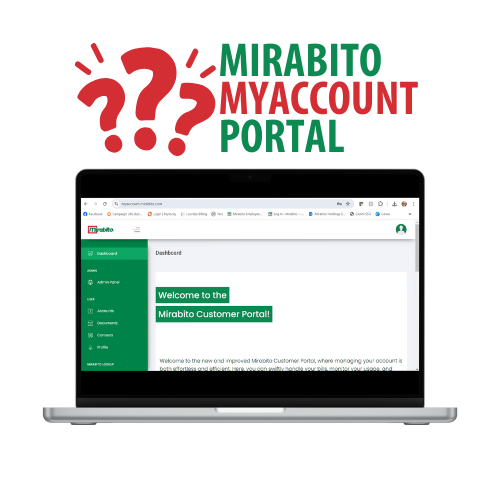
At Mirabito, we make it simple to manage your account, order fuel, and track rewards through our MyAccount Portal.
For New Customers
If you’ve never received a Mirabito delivery before, your first step is to call us so we can set up your account.
Call 800-934-9480 to:
- Create your new account
- Schedule your first delivery
After your first delivery is complete, you’ll be able to register for a MyAccount login and place future orders online.
For Existing Customers
Setting up your online account is quick and easy:
- Go to myaccount.mirabito.com/login.
- Click “Sign Up” in the upper right corner.
- Complete the registration form with your personal information.
- Review and accept the terms and conditions.
- Link your Mirabito account using your Account Number (found on your delivery invoice).
- If you don’t know your account number, call us at 800-934-9480.
Once your account is linked, you can:
- Pay bills securely online
- Order fuel with ease
- Accept price protection agreements
- Track rewards and redeem them for future fuel orders, cents off at Mirabito Convenience Stores, or a donation to our Gallons for Good campaign
How to Order Fuel Online
When you’re ready to place an order:
- Log in to your MyAccount Portal.
- From the left navigation, select Accounts.
- Choose the account you’d like to order for.
- Click the Order Fuel button.
- Enter the number of gallons you’d like delivered.
- Complete your order using our secure payment system.
Once submitted, our delivery team will add you to the schedule and make sure your home stays comfortable.
Need Help?
Our Customer Care Team is here to help with setting up your account, finding your account number, or placing an order.
Call 800-934-9480 for assistance.
Sign Up for MyAccount Today